What’s new in K4
Continuous improvements
We are constantly enhancing the features and technologies of vjoon K4, your professional publishing system, in order to always deliver breathtaking performance. To keep you up to date with all updates and improvements, we have listed the most important new features here. If you would like to know more about K4 or see these innovations in a live demo, simply contact your system integrator or request a demo here.

Discover new features
Released October 2026
Changes in Article Editor
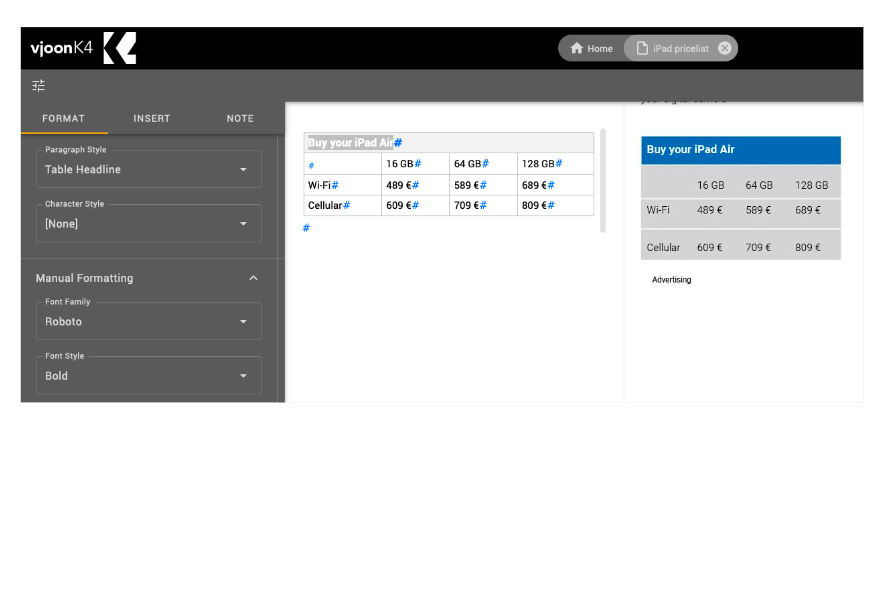
Tables: Article Editor now can manage tables directly, which means that tables are no longer displayed as tags in your text, and no longer require a separate dialog for editing. You can see them as tables in your text and edited content directly by clicking into the cell you want.
Zooming: You can now zoom in or out or reset the zoom factor for all text objects at the same time.
Lowercase Attribute
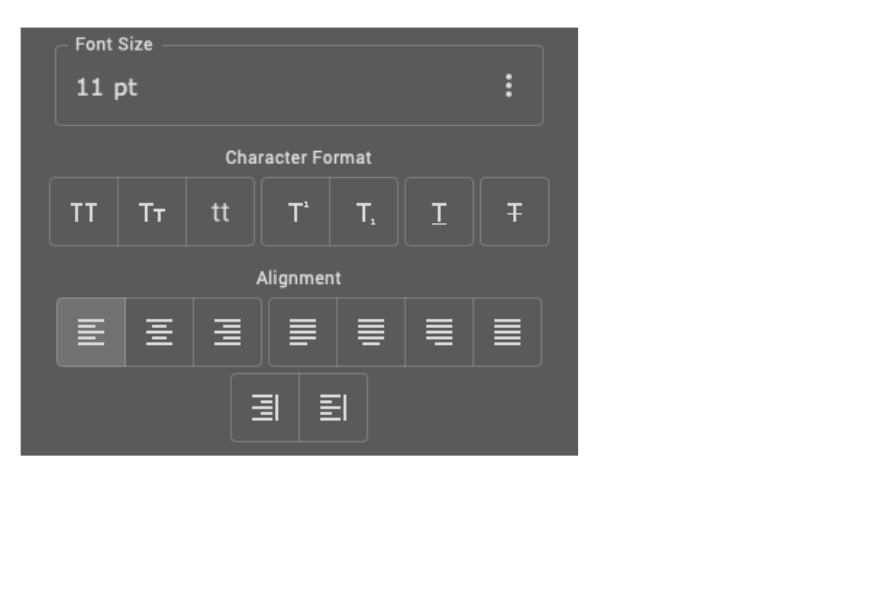
In addition to the existing character format attributes All Caps and Small Caps, Adobe CC 2025 and CC 2026 now also provide the Lowercase attribute. In K4 Admin, the Change Rights section has been extended to include this attribute. Thus, administrators can determine, whether or not users or user groups are allowed to apply this function to selected text depending on the tasks they can edit.
The attribute can be applied in InDesign, InCopy and K4 Content Portal using Article Editor.
Miscellaneous
K4 Content Portal: Changed icons
Same as in K4 Layout and K4 Edit, we updated multiple icons in the Query and Attachments panels, such as Filter, Clear Filter, Column Setting, Layout & Thumbnail View Info, Task & Object Expanders, as well as Sorting icons.
K4 Content Portal: Enhanced localization
Content Portal and Article Editor are now available in Italian, French, Spanish, Simplified Chinese and Japanese.
K4 Admin: Deleting Multiple Issues
In K4 Admin you can now select several issues and empty or completely delete them. A huge time-saver for high-frequency publications, like daily newspapers.
K4 XTD: Optimized output
Because it is possible to distribute XTD processes across multiple computers using different operating systems, we have optimized the output of files provided by XTD to avoid problems with special characters.
Released May 2026
Support for Adobe Creative Cloud 2026
With K4 17.0 we support all latest Adobe Creative Cloud 2026 applications (InDesign, InCopy, InDesign Server).
This allows users not only to take advantage of the wide range of creative capabilities offered by the latest version of Adobe Creative Cloud, but also to benefit from the constantly evolving AI features in Adobe applications.
Support for vjoon seven 7
In addition, vjoon K4 17.0 provides support for vjoon seven 7.0, but is also backwards compatible to vjoon seven version 6.
Improved UX for Sticky Notes
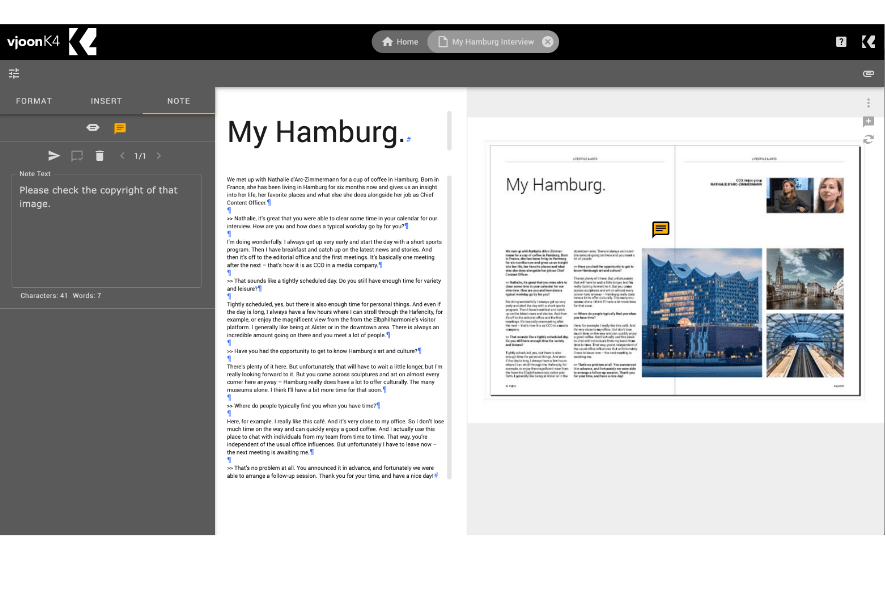
Sticky notes have been completely redesigned to optimize user experience. While the modern UX of Material Design has already been adopted in many areas of vjoon solutions, the corresponding update has now been implemented here as well.
Redesigned sticky notes are now available in Adobe InDesign, Adobe InCopy, K4 Overview, and the Article Editor of K4 Content Portal. With the help of sticky notes, users of these applications can discuss, comment or approve design and content in real time.
Redesigned Button Bar
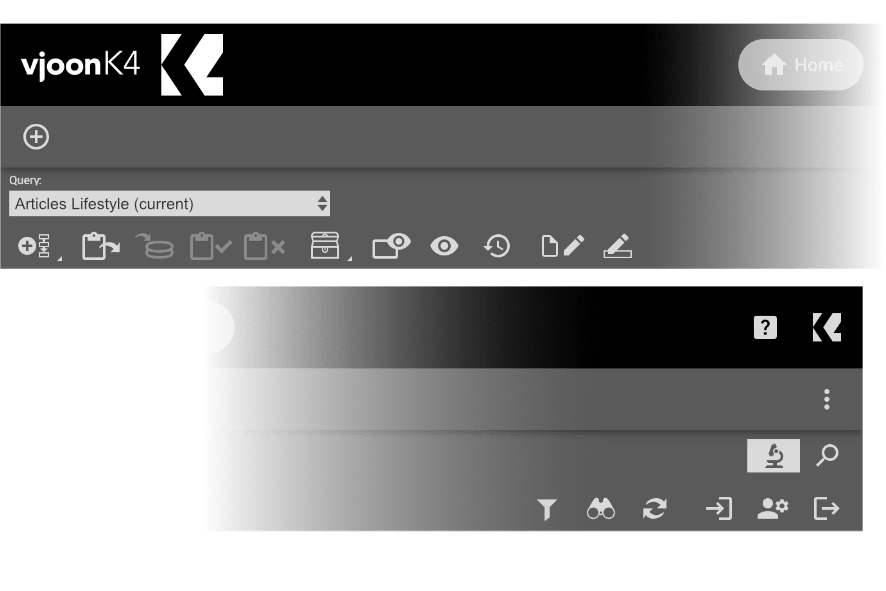
Many customers have been asking for it – and here it is. The button bars in K4 Layout, K4 Edit, and Content Portal, as well as the buttons in the sticky note panels, are now vector graphics featuring a modern, reduced color palette.
We hope you like the new design! We certainly do.
With this, we have completed the first phase of our comprehensive redesign of the K4 clients’ user interface.
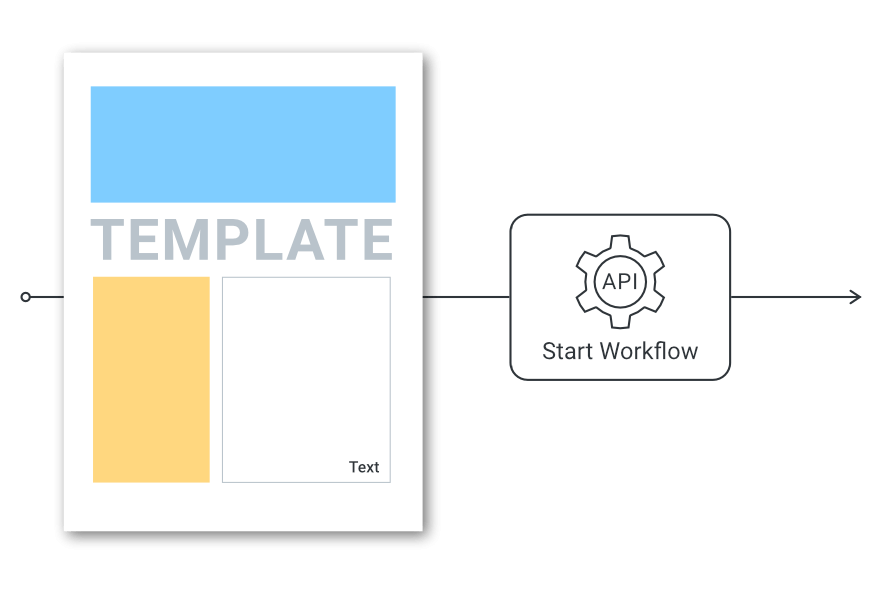
Automate “Start workflow from template”
You can now use API Calls to start workflows using K4 Templates. This will retain placed objects in Layouts.
In addition, it is possible to execute a cascading “Start Workflow” for a layout as well as the articles and pictures placed on the layout.
Released December 2025
Improved Article Editor
Article Editor, introduced with vjoon K4 16.1, provides several new features that further improve its performance in everyday work. For example, loading and saving times for articles with lots of text objects have been reduced. This saves editors as well as content writers a considerable amount of time and improves the overall user experience.
Another optimization concerns the automatic updating of the layout preview. If the user does not enter anything for a few seconds, the preview is now updated automatically. Of course, the update can still be triggered manually using a keyboard shortcut. However, the automatic update of the layout preview can also be completely deactivated if desired.
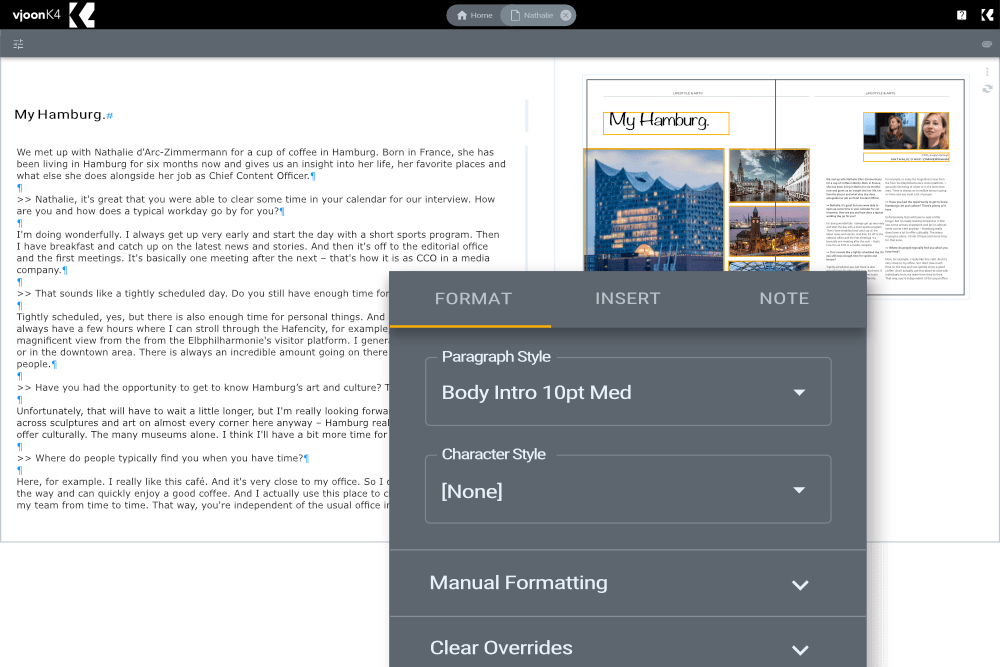
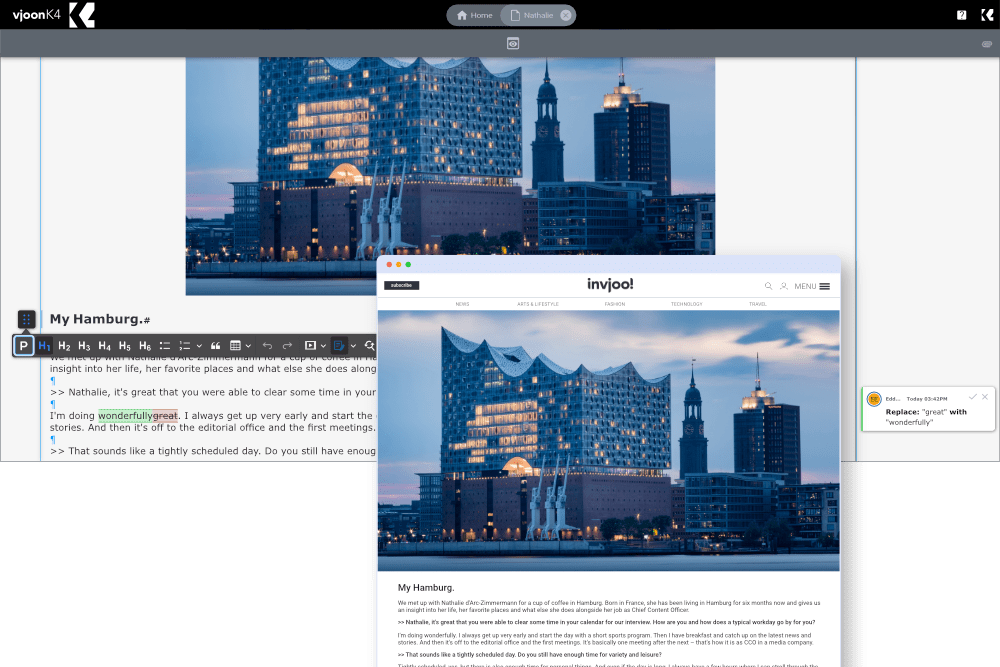
Content Editor now available as part of the redesigned K4 Content Portal
Like Article Editor, Content Editor now also offers a help system that is available in the browser window of the K4 Content Portal. This help system describes all the functions that users may apply to create their amazing content stories.
Contrary to older versions, any placed images or objects are updated automatically in the background, as soon as new versions become available in the system
Released March/July 2025
All new Article Editor
With version 16, customers can look forward to a new and modern browser-based editor in the K4 Content Portal. While the Content Editor is primarily used for Content- and Online-First, the new “Article Editor” is aimed at layout-driven content, such as that created with Adobe InDesign and which was previously also edited with the familiar Web Editor.
With its fresh look, streamlined design and modern interface, the Article Editor offers a completely new user experience. In addition to its enormous expansion potential, it will already offer everything that a next-generation editor should be able to do.
The article editor was already available as a preview version in version 16.0 – interested customers could get a first impression and provide feedback on user-friendliness.
Starting with version 16.1, the new Article Editor can be used in production, replacing the older Web Editor.
Support for Adobe Creative Cloud 2025
With version 16, the globally successful publishing system vjoon K4 supports Adobe Creative Cloud 2025 unveiled at the last Adobe MAX, enabling customers to benefit immediately from the new AI features in Adobe InDesign, Photoshop and Illustrator. Together with this integration, enhancements at various levels of the system ensure that customers can continue to manage their content supply chain efficiently in the future.
Ready for take-off?
Bring your content management to the next level with vjoon.
Our experts will be happy to discuss your challenges and give you a personal demo.