

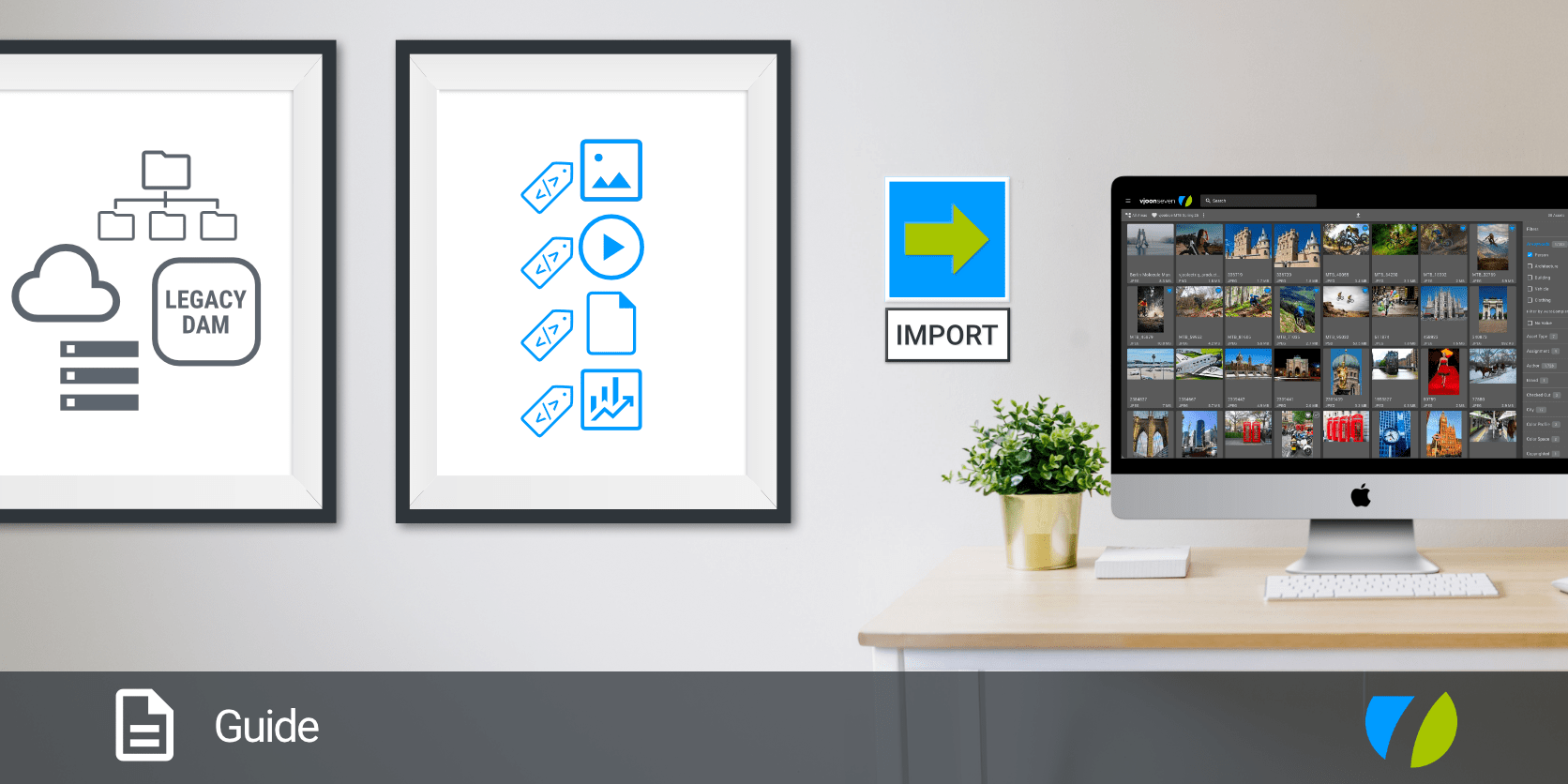
Guide for successful DAM migration
Transfer your assets safely to vjoon seven
Digital assets are important business values. Managing them is complex because they are almost always spread across different departments. Department A can't access Department B's assets, and there's no clear overview of where things are stored or in what format. Such isolated structures – known as data silos – are inefficient and expensive.
Storing files on a central platform, such as a Digital Asset Management (DAM) system, allows teams to organize content logically, make it easily accessible, and leverage it effectively. Implementing such a system can be a challenging and expensive task if it is not properly planned and executed. Of course, this applies not only when data is being consolidated for the first time, but also when, for example, an existing system is outdated and needs to be replaced.
Risks and challenges in DAM migration
Companies with complex data structures and large volumes of data will find migrating to a (different) system particularly challenging. This often results in a relatively time-consuming migration project. Typical issues that frequently delay the process include
- Time-consuming and difficult identification of all assets from various sources.
- Lack of a strategy for transferring metadata and structures.
- Greater need for training on the new system.
- Changing requirements from stakeholders.
- Lack of transparency and clarity regarding processes and responsibilities.
To ensure that the transition proceeds as smoothly as possible, we have prepared a guide for the entire migration process. Even though the guide may seem quite elaborate at first glance, this approach has proven to be successful and efficient in many of our projects. Take the time to go through it – it’s worth it. In addition, our partners and we will support you with efficient tools and provide you with practical expertise throughout the project.
1. Preparation: The foundation for a successful migration
A successful data migration begins long before the actual data transfer takes place. During the preparation phase, you decide whether your new DAM will achieve high user adoption right from the start or descend into chaos.
Migration strategy and planning
Create a detailed project plan that serves as a guide for the entire team. Involve all stakeholders in the planning process and clarify their needs in advance. This will help you increase acceptance of the new DAM system right from the start and lay a solid foundation for high-quality data. In addition, the experience you gain during the preparation phase will provide you with important insights that can influence your project plan – for example, regarding time and resource planning.
- Set a schedule and milestones
- Assign responsibilities
- Plan for test migrations
- Develop backup and rollback strategies
Review and data analysis
Before starting the migration, you should analyze all existing data within the company or in the current DAM system. The goal is to migrate only high-quality content that is actually needed.
- Which storage locations (e.g., legacy DAM, file and FTP servers, hard drives, cloud storage) and assets (images, videos, documents) are relevant?
- Which metadata and structures need to be migrated?
- Which taxonomies and categories exist?
Data scrubbing and quality optimization
Don’t migrate “data clutter”; migration is the perfect opportunity for a “digital cleanup.” Take advantage of this chance to clean up your data, save storage space, and speed up search times in the new system.
- Remove duplicates and outdated files
- Standardize metadata structures
- Optimize file names for better searchability
Mapping and system understanding
Mapping is one of the most critical aspects. Define how existing information (tags, copyrights, creation dates) will be transferred into the schema of the new DAM system. Precise mapping prevents data loss and inconsistencies, and, most importantly, ensures that your search filters work from day one. vjoon seven recognizes over 22,000 metadata fields, can be expanded with any number of custom metadata fields, manages all known file formats, and supports workflows for teams. AI integrations in seven can assist by automatically populating metadata fields (e.g., tagging, descriptions, audio and video transcriptions).
- How are fields mapped in the new system?
- What data formats are included in the database, and which ones are compatible?
- Which workflows need to be adjusted?
2. Implementation: Safe and loss-free data migration
The implementation phase is the operational core of the migration of digital asset management systems. vjoon assists you during this phase with the proper tools and expertise. We ensure that your valuable data is migrated cleanly and without loss. When importing, make use of existing and frequently used folder structures; this makes it easier for users to navigate and locate assets using the methods they’re accustomed to. vjoon seven supports such structures right from the import stage and can map them virtually. In addition, seven can automatically create the various representations of all assets, known as renditions, directly during the import process – for example, for previews, thumbnails, or special formats and sizes for web display or e-commerce platforms.
Import data with ease: vjoon Asset Importer and vjoon Meta Data Importer
Importing all existing assets into the new DAM is usually relatively simple. If you have completed all the previous data scrubbing steps, the asset import itself should go smoothly.
vjoon Asset Importer ensures a clean import of all assets:
- Automated import of all assets from the legacy system
- Importing/Creating (nested) structures
- Duplicate check (assets)
However, the import and mapping of the associated metadata are far more critical to a successful migration. They represent the true value of the data and ensure that, during day-to-day operations, users can quickly find the desired assets and all associated information, variants, and relations.
vjoon Metadata Importer ensures that the appropriate metadata is automatically mapped to all assets during import:
- Automated import of all metadata
- Automated mapping of metadata to assets
- Establishing relations between assets (e.g., a contract is associated with an image)
- Supports incremental migration
The human factor: Change Management
In addition to the complex data that needs to be migrated, there is another, often underestimated factor in DAM migration: the users. Users are reluctant to give up familiar workflows and often regard changes with great skepticism. It’s only natural that there will be some uncertainty about using the new system at first, and the efficiency of a changed process may not be immediately clear. Therefore, introduce all team members to the new system early on and provide sufficient resources to facilitate the transition.
- Train your employees
- Document new workflows
- Provide support during the transition
Perform a test migration (stress test)
Once preparations are complete and before the full data migration begins, we recommend conducting a proof of concept (POC) in a test environment. It is important that all data types are available and that all transformation rules, including special cases, can be tested. To get a sense of the processing time required, testing should be conducted using a representative sample of assets. Be sure to involve all stakeholders in the testing process as well. They are often quicker to recognize whether the transformation rules are working as intended. A stress test of this kind significantly reduces risks during subsequent live operation.
- Transfer a subset of the data
- Check previews, metadata, file structures, and links
- Identify sources of error early on
Different approaches to data migration
There are two different migration approaches, depending on the customer’s needs and the expected time it will take for the new system to be fully operational.
- Incremental migration (in phases)
- Full or “Big Bang” migration (complete transition)
For larger migration projects, we recommend splitting the process into several partial migrations. The advantage of this approach is that system downtime does not result in major disruptions, and the new system can be rolled out in phases. The system is gradually synchronized and finalized.
If the estimated migration timeline is acceptable to you and the complexity is manageable, we recommend a full migration.
Data validation and quality assurance
After the migration and before going live, there are several points to check. Were all renditions (previews, thumbnails, etc.) generated correctly? Did the metadata end up in the correct fields? If possible, use test runs, automated verification mechanisms, and spot checks. A systematic approach helps identify sources of error immediately. Use the following points as a general guide:
- All assets have been fully transferred
- Metadata has been assigned correctly
- Files are accessible and correctly indexed
3. The takeaway: A successful DAM migration as a competitive advantage
Migrating a digital asset management system is much more than just a technical project – it’s a strategic decision to optimize your entire content supply chain. It’s an opportunity to professionalize your digital processes and establish a single source of truth for your content within your organization. Companies that implement their DAM migration professionally benefit from a future-proof system, optimized workflows, and consistently higher content quality.
- Break down content silos and make assets available across the entire company.
- Manage all assets centrally (including all versions and renditions).
- Speed up the process of finding assets.
- Automate content delivery processes.
- Improve the efficiency of your content organization.
A structured process involving thorough cleanup, precise mapping, and technical precision minimizes downtime and maximizes the return on investment (ROI) of your new system. Treating the migration as a strategic project lays the foundation for an efficient, scalable content infrastructure. With us and our partners, as well as vjoon seven DAM as your company’s central content hub, you’re ideally positioned for migration and content operations. Well-designed features and automations support you not only during migration but also with your daily workload. Its modern user interface enables intuitive use, requires minimal training, and can be flexibly customized. And don’t forget: You can decide for yourself whether you want to run vjoon seven in the cloud or on-premises.
If you’re curious about vjoon seven DAM and would like to learn how the seven API, vjoon Asset Importer and vjoon Metadata Importer, as well as our experts can support you with migration and operations, book a personalized demo today.
Want to know more about vjoon seven DAM?
Simply book a personal demo appointment today!
Talk to one of our experts and find out how vjoon seven DAM can help your company to successfully drive your content supply chain.